Choosing between lifestyle product photography and studio product photography shapes how customers see your brand, decide what to buy, and remember you later. One shows your product in real life, whereas the other isolates it so details pop.
While both are valuable, they serve different goals. Studio images help shoppers compare details quickly, while lifestyle images help them picture how the product fits into their home, routine, wardrobe, or workspace.
Are you planning a product launch, catalog refresh, or Amazon listing update? Start by deciding where each image will live before deciding how it should look.
Get this choice right, and your store looks consistent, your ads feel persuasive, and your marketplace listings pass compliance checks. Miss the mark, and you risk confusing shoppers or failing to meet basic image standards.

TL;DR
- Lifestyle photos tell a story in real-world settings and are ideal for ads, social, and brand pages.
- Studio photos use controlled light on plain backgrounds for clean, consistent catalogs and marketplace compliance.
- Many brands need both: studio-style e-commerce images for core product pages and marketplace listings, plus lifestyle or editorial images for discovery, ads, websites, and social content.
- For San Diego and Southern California brands, a local studio team can also simplify logistics for product drop-offs, model coordination, props, custom backgrounds, and location scouting.
- Prioritize lighting, color accuracy, and consistent angles so your images feel cohesive across channels.
What Each Style Means
Before choosing a creative direction, it’s essential to understand the unique visual language and purpose behind both lifestyle and studio photography. Defining these styles helps you determine whether your product needs a contextual story to build an emotional connection or a clean, distraction-free presentation to showcase technical specifications.
To make the choice practical, Bauman Photographers can help you map each product to the right image type: clean e-commerce photos for listings, editorial styling for brand-forward pages, and lifestyle scenes that show the product in use.
Lifestyle Product Photography
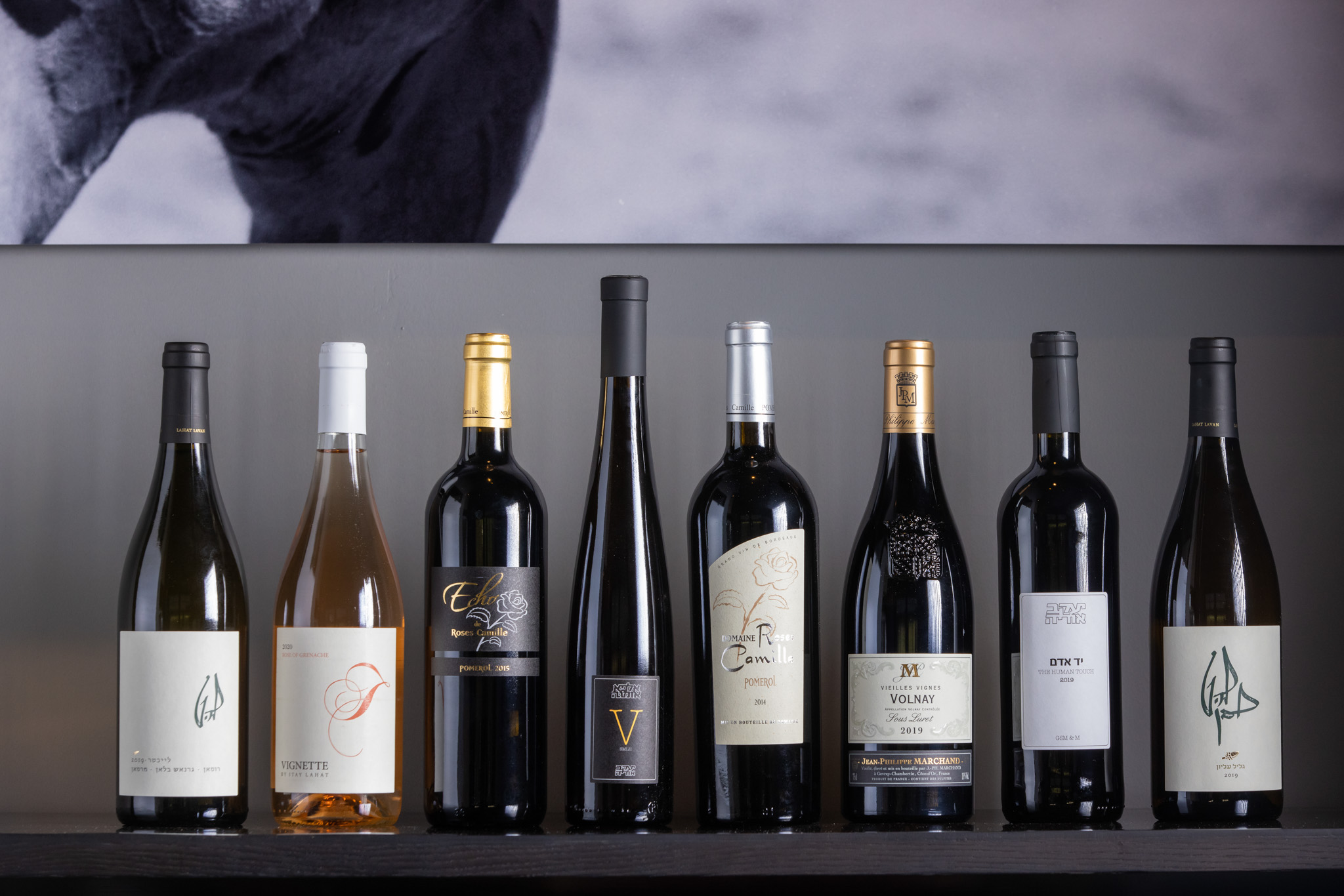
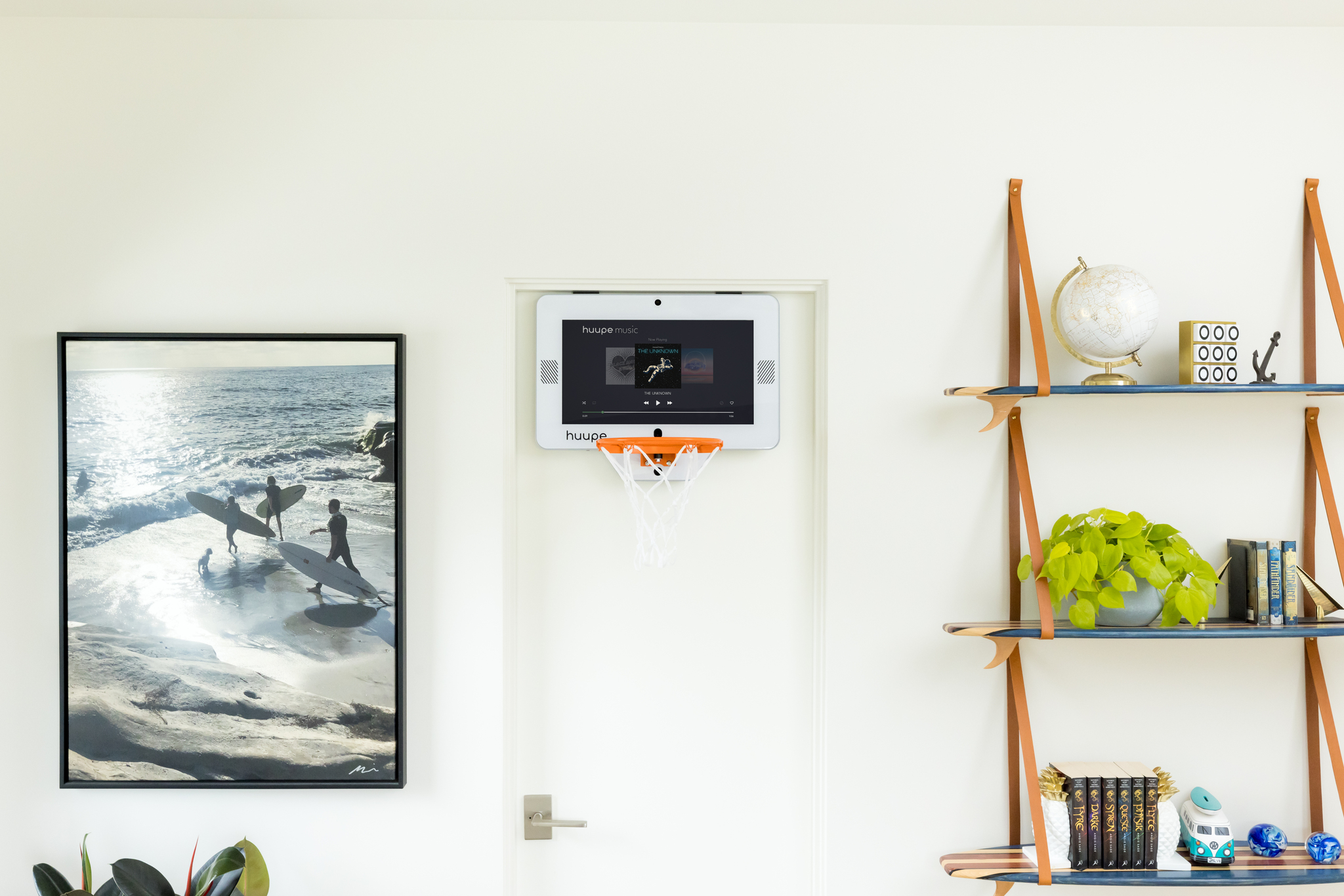
Lifestyle images place your product in a real-world or stylized scene, often with people, props, custom backgrounds, and natural-looking light. The aim is context, emotion, and clarity of use in situ. These photos help customers imagine ownership, making them especially useful for ads, homepage hero images, email campaigns, social posts, and brand storytelling.
For example, our lifestyle product photography team can source models, props, backgrounds, or San Diego-area locations when the product needs a stronger sense of scale, use, or environment.
Studio Product Photography
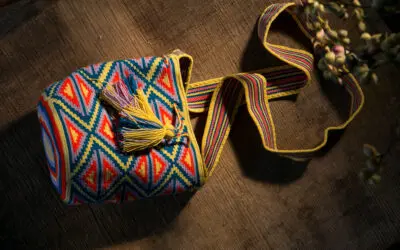
Studio product images place the product under controlled lighting, often on a seamless white, neutral, or brand-appropriate background. The goal is clarity, consistency, and accurate color. The setup reduces variables, supports consistent catalog production, and can be planned around marketplace requirements, such as Amazon’s pure white background standard for main product images.
This is where our e-commerce product photography service fits best. We can provide white backdrop product images with multiple angles for online stores, product pages, Amazon listings, and print needs.
When to Use Lifestyle vs Studio
By aligning lifestyle shots with your brand storytelling and studio shots with technical product clarity, you can maximize conversions across ads, social media, and e-commerce product pages alike.
| Factor | Lifestyle Product Photography | Studio Product Photography |
| Primary goal | Storytelling, aspiration, use-in-context | Clarity, accuracy, consistency |
| Best placements | Ads, social, homepage hero, blog | Product detail pages, comparison grids, marketplaces |
| Strengths | Shows scale, usage, and brand vibe | Reveals texture, color, and features precisely |
| Pitfalls | Can be distracted if scenes are busy or off-brand | Can feel sterile if overused |
| Speed and scale | Slower to plan, location, and talent adds complexity | Fast to batch, easy to template for large catalogs |
| Compliance | Best for secondary marketplace images, brand content, ads, and use-case storytelling | Best for consistent product pages and marketplace main images when a white or neutral background is required |
Bauman Photographers can build a balanced image library around those needs. We can produce clean e-commerce product photos with lifestyle or editorial images that support your website, social channels, ads, packaging, and print materials.
Image Quality and Workflow Factors That Matter
Our photography team can handle the production details behind the scenes, from staging to final files that are ready for your store, ads, print pieces, or sales materials.
Light Quality: Soft vs Hard
Soft light creates gentle transitions between highlights and shadows, flattering textures and curved surfaces. Hard light creates crisp edges and high contrast, which can emphasize shape and gloss but may exaggerate flaws.
Photographers get a softer light by making the light source large relative to the subject or by diffusing it. Meanwhile, we get a harder light with small, undiffused sources.
Color Accuracy and Profiles
Color management keeps product colors looking consistent across cameras, screens, and prints. An ICC profile is a small data file that describes how a device reproduces color, enabling software to translate colors reliably between devices.
For the web, most photographers export to sRGB unless a platform explicitly says otherwise. This keeps product colors predictable for most browsers and devices.
File Formats and Editing Flexibility
When appropriate, shooting RAW captures unprocessed sensor data, which gives the editing team more flexibility with exposure, color, and detail. RAW workflows support non-destructive editing, meaning your adjustments live as metadata rather than overwriting pixels.
You can always revert or create alternate looks without harming the original. Final JPGs are usually the practical delivery format for web and marketing use, although they offer less editing flexibility than RAW master files.
Consistency Across Your Catalog
Even if lifestyle images define your brand feel, lock in a studio baseline so your product grids, comparison pages, and collection pages stay clean and easy to shop. Standardize:
- Angles and camera height
- Background tone and shadows
- Crop ratio and margins
- Exposure and white balance
- Export settings (sRGB, resolution, compression)
Budget, Timeline, and Scalability
If you need many SKUs photographed efficiently, a repeatable studio setup is usually the strongest starting point. You can systematize lighting, surfaces, and crops, then batch-edit. Lifestyle work typically requires more planning because it may involve location scouting, props, models, custom backgrounds, styling, approvals, and additional retouching.
A practical approach is to first photograph the full product line in a consistent e-commerce setup. Our photographers can also create lifestyle or editorial scenes for priority SKUs, seasonal campaigns, new launches, or Southern California brand content.
Before the shoot, bring a SKU list, sales channels, and preferred crop ratios. You can also provide a few visual references so our photography team can tailor the session to the assets you actually need.
Compliance, Marketplaces, and Rights
Marketplace image rules can affect whether your listing is approved, suppressed, or shown consistently. Image requirements should be confirmed before the shoot rather than fixed afterward.
Marketplace Requirements
Marketplaces set image rules to keep listings clear, consistent, and easy for shoppers to compare. For example, Amazon specifies that the main product image should be on a pure white background (RGB 255, 255, 255).
Category style guides can add details, so always confirm current requirements before a shoot. Shopify is more flexible, although a clean white or light background remains a practical default for clarity and quick page loads.
Model and Property Releases
If identifiable people, private homes, rented spaces, or recognizable private property appear in lifestyle photos, plan for the right permissions or releases before the shoot. A model release is written permission to use a person’s likeness.
It’s commonly required when the image will be used commercially in ads, on product pages, in social campaigns, on packaging, or in promotional materials. Requirements vary by jurisdiction, platform, publisher, and brand policy, so it’s safest to handle release planning during pre-production. Industry bodies stress that it’s the use of the photo, not how it was taken, that drives the need for a release.
Examples
Here’s how the two approaches can work together when you are planning a launch, catalog refresh, or campaign.
Outdoor Drinkware Launch
A new direct-to-consumer brand shoots studio images on pure white to standardize color across 12 tumblers. These become the product page gallery and the marketplace main.
Then the team plans a one-day lifestyle shoot at a local park with hikers and a picnic setup. Ads featuring lifestyle shots outperform plain studio shots in social feeds, while the studio set anchors the PDPs with consistent angles and zoomable detail.
Skincare SKU Expansion
An established skincare label adds 40 variants. They start in the studio, building a template for jar angles, cap alignment, and soft light that shows glossy highlights without hotspots.
After the catalog refresh, they schedule a half-day lifestyle session in a bright bathroom set. Lifestyle images open emails and ads, while the studio images keep the collection grid uniform and compliant on marketplaces.
Actionable Steps / Checklist
A clear production framework helps your team align before the shoot, avoid reshoots, and make sure every final image has a specific use.
- Define a goal per channel, whether it’s conversion on PDPs, discovery in ads, or compliance for marketplaces.
- Build a shot list with exact angles, crops, usage channels, file names, and priority products before the shoot.
- Lock lighting, including a repeatable soft key, controlled fill, and consistent background sweep for studio; natural-looking or intentionally stylized light for lifestyle and editorial scenes.
- Shoot RAW for master files. Export sRGB JPEGs for the web.
- Create a color baseline using a gray card or color target at the start of each setup.
- For Amazon or similar marketplaces, prepare a pure white main image when required, then separate lifestyle, editorial, detail, and use-case shots for supporting images.
- Secure model and property releases for any identifiable person or private location.
- Document everything, including the lighting diagram, lens settings, and editing presets, to speed future shoots.
- Share your SKU count, launch timeline, required channels, and inspiration images so Bauman can recommend the right mix of editorial, e-commerce, and lifestyle photography.
Glossary
Familiarity with industry-standard terminology helps you communicate your exact creative goals to production teams and fine-tune your brand’s visual identity.
- Lifestyle Product Photography: Photos showing a product in a realistic context to convey usage and mood.
- Studio Product Photography: Photos taken under controlled lighting on a neutral or pure-white background for clarity and consistency.
- Soft Light: Light that creates gradual shadow edges and gentle contrast.
- Hard Light: Light that creates crisp shadow edges and high contrast.
- RAW File: Unprocessed sensor data that allows flexible, non-destructive editing.
- ICC Profile: A color description file that helps different devices display the same colors consistently.
- sRGB: The standard color space for web images to ensure consistent display across common devices.
FAQ
Q: Which style converts better?
A: Neither wins everywhere. Use studio for clear, fast evaluation on product pages and marketplaces, and lifestyle for ads, hero images, and content that builds desire.
Q: Do I always need a white background?
A: No. A white background isn’t always required, though Amazon and some marketplaces require pure white for main images. We can guide you in choosing between pure white and natural white. The important thing is to keep a clean e-commerce version ready, then use lifestyle, editorial, detail, and use-case shots as supporting images.
Q: Can I shoot a lifestyle with a phone?
A: Yes, you can use a phone to shoot lifestyle photos, especially for casual social content. However, for product launches, paid ads, print materials, Amazon listings, or a full website refresh, professional lighting, styling, retouching, and consistent exports usually produce a more reliable set of images.
Q: How many images per product should I plan?
A: Plan around the sales channel and the product’s complexity. Many brands need 3 to 8 images per product, such as a clean main image, alternate angles, details, scale shots, and lifestyle or editorial images. For larger catalogs, start with the core e-commerce set, then add lifestyle coverage for priority products.
Q: When do I need a model release?
A: When an identifiable person appears in an image used for commercial purposes, such as advertising, product pages, paid social, packaging, or promotion, plan for a model release. For recognizable private locations or property, discuss permissions during pre-production.
Final Thoughts
You don’t have to pick a single winner. Most brands are strongest with a studio backbone for clarity and a steady flow of lifestyle or editorial images for context, personality, and persuasion.
Decide the purpose of each photo before the shoot, standardize the workflow, and build an image library that supports your store, marketplace listings, social content, ads, and print materials.
If you’re unsure where to start, you can give us your SKU list, sales channels, launch timeline, and a few visual references. Our professional product photographers can turn that into a practical shot plan for e-commerce, lifestyle, editorial, or a blend of all three.